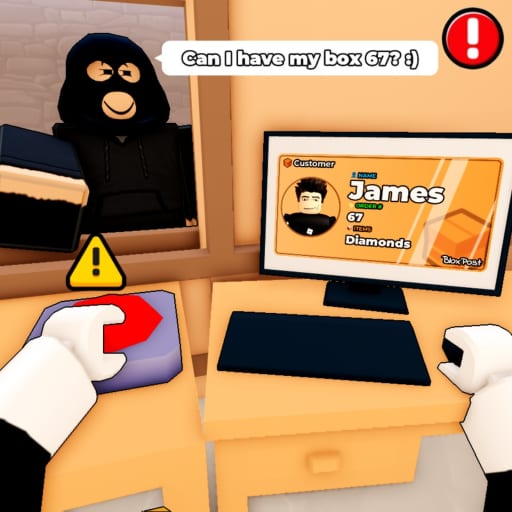
Mail or Jail Catch Package Thieves
Protect sorted mail while keeping ID checks accurate in Mail or Jail.
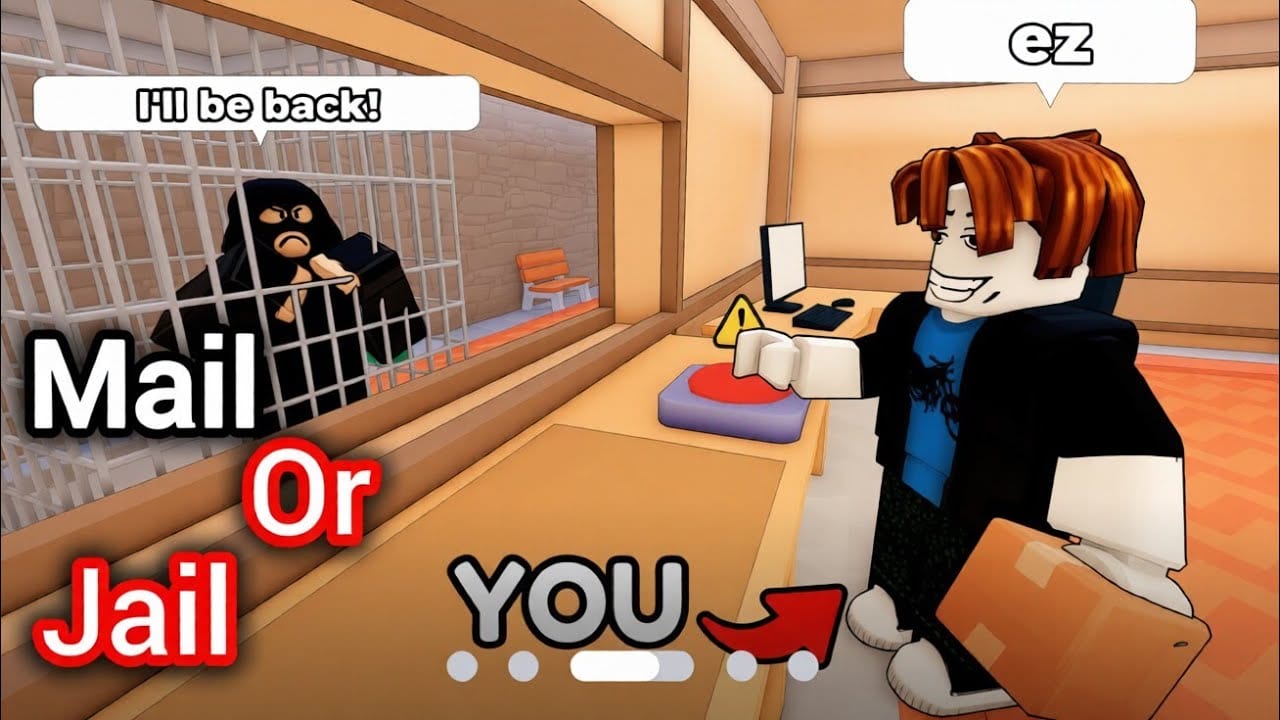
Why thieves exist in the loop
Mail or Jail is not only about polite window service. Delivery Day Studios (group 372114481) designed theft pressure so you cannot AFK at the sorting table between deliveries. Package thieves spawn while you unload trucks, verify IDs, or recover from random events. Ignore them and parcels vanish — another path to mistake counters and FIRED.
Thief gameplay sits between action and administration. You must catch package thieves without abandoning Check customer IDs standards at the counter. Panic-chasing across the depot while leaving IDs unchecked trades one error type for another.
This guide covers spawn tells, chase timing, recovery steps, and how theft interacts with seven shifts progression on desktop, mobile, tablet, and console (place 70663806238212).
When thieves appear
Thieves are event-driven, not constant. Common triggers include:
- Unattended packages on the sorting table during busy queues
- Long ID debates while mail sits visible near the door
- Post-random-event crowds when players cluster to watch animations
- Late-shift timers when the game wants compound pressure
You will hear audio cues — footsteps, whistle, alert siren — before some spawns. Turn sound on for mobile sessions; visual-only players lose telegraphs.
Catalog broader patterns on Events hub since some theft waves pair with named events.
Identify thieves vs impatient customers
Not everyone running is stealing. Use this decision tree:
- Are they holding your package mesh? If yes, chase immediately.
- Did they bypass the ID line? Likely thief or troll — interact or block path.
- Are they a queued customer with empty hands? Return to ID verification; do not chase.
- Fake ID from earlier? Deny delivery first, then pursue if they grab mail anyway.
Decoys tie directly into ID safety. A thief may present a near-match name to distract you while an accomplice grabs sorted boxes — re-read Check customer IDs if two avatars approach simultaneously.
Chase mechanics and timing
Start chase early
Thieves despawn or exit map bounds if you delay. Drop low-priority animations and sprint using controls from Controls hub.
Interact at range
Roblox hitboxes vary by device. Tap interact when the prompt appears; do not wait for perfect overlap on mobile.
Secure mail before returning
After catching, confirm the package returns to your hands or the sorted pile. Partial recovery may still count as a loss depending on patch — verify on Updates after major builds.
Re-stabilize the queue
Customers accumulate while you chased. Resume ID protocol calmly — rushing causes the silent mistakes that end shifts.
Splitting attention without firing
Use role-based micro rotations solo or with friends on busy servers:
| Phase | Focus | Max duration |
|---|---|---|
| Counter | ID triangle checks | until queue empty |
| Patrol | glance doorways | 2–3 seconds between customers |
| Chase | thief with package | until recovered |
| Recovery | re-sort dropped mail | before next unload |
If queue length exceeds three and a thief spawns, finish the current ID check, then chase — half-verified handoffs hurt more than one stolen box sometimes.
Track mistakes live with Tools to know if you can afford a theft loss this shift.
Shift-by-shift theft expectations
Early shifts (1–3): slow thieves, forgiving recovery windows. Learn map exits.
Mid shifts (4–5): faster NPCs, paired spawns during events.
Late shifts (6–7): theft during inspections and weather — see Handle random events.
Full week pacing: Survive seven shifts and Shifts hub.
Multiplayer etiquette
Other real players can body-block or accidentally pick up mail. Assume good faith once; after repeated interference, change servers via Links official play flow.
Do not exploit PvP tools against non-thieves — report griefers through Roblox systems instead of revenge deliveries that cost you mistakes.
Thieves vs codes and bonuses
Promo codes are unverified / inactive publicly as of August 2026. Group bonus perks do not spawn auto-turrets or instant thief bans. Skills and map knowledge remain the only durable advantage.
Practice drill
- Load shift 1 on a low-population server.
- Intentionally leave one decoy package visible (safe shift) to observe spawn timing.
- Chase without skipping the next customer’s ID — even if timer flashes.
- Log errors in Tools.
- Repeat until recovery adds zero extra mistakes for three runs.
Pair with gameplay footage embedded mid-article for visual timing references.
Failure recovery
If mail is lost:
- Read end-of-shift breakdown to see theft weight
- Decide whether to push Avoid getting fired thresholds
- Restart early if mistake budget is blown
Getting FIRED teaches spacing for the next attempt — not a reason to hunt fake Scripts.
Related pages
- How to play
- Handle random events
- Guides hub
- Review for thief difficulty sentiment
- Updates when NPC speed changes
Frequently Asked Questions
Quick answers players ask after every shift.
Do package thieves make you lose instantly?
Usually they add mistakes or fail shift objectives. Enough mistakes still trigger FIRED like ID errors.
Should I chase or finish an ID check first?
Finish the check in hand unless the thief is actively escaping with that exact package.
Can thieves spawn during random events?
Yes. Events that crowd the depot often pair with theft pressure.
Do scripts auto-catch thieves safely?
Third-party scripts violate Roblox rules and break timing practice. Learn manual chase routes instead.