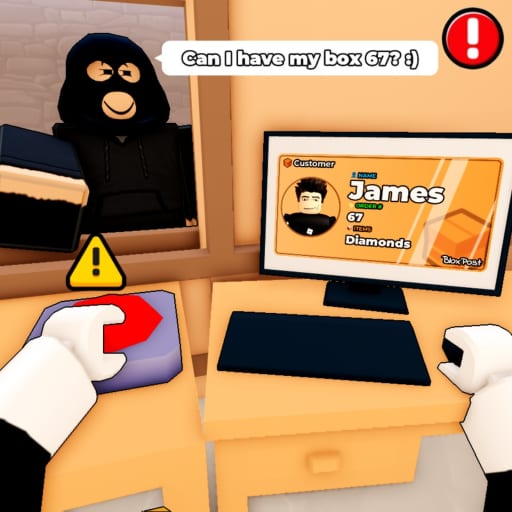
Mail or Jail Handle Random Events
Stay employed when Mail or Jail throws surprise inspections and chaos.
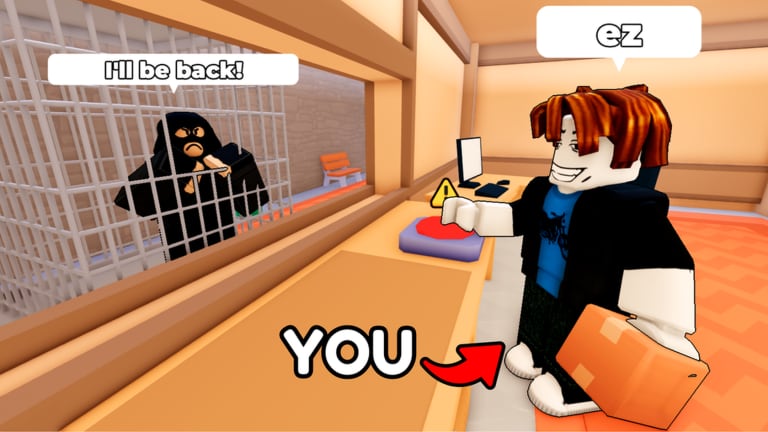
Random events in the shift loop
Mail or Jail follows a predictable core loop — unload truck, check customer IDs, deliver mail, catch package thieves, finish the shift — until it does not. Random events inject inspections, weather, VIP rushes, equipment failures, and crowd surges that interrupt your rhythm.
Delivery Day Studios (group 372114481, place 70663806238212, universe 10450718227) uses these events to prevent autopilot play across seven shifts. Mishandle an event and you still accumulate mistakes toward FIRED, even if your ID game is usually clean.
Events are cataloged in depth on Events hub. This guide teaches default responses when you have never seen a specific modifier before, plus how events interact with thieves and queues on desktop, mobile, tablet, and console.
Event categories
Inspections and audits
Supervisors scan counters for mislabeled mail or skipped verification. Indicators: clipboard NPCs, red outline on sorting table, siren with “INSPECTION” text.
Default response: stop deliveries, close ID panels only after confirming active handoff finished, align packages label-up, wait for pass/fail banner. Never pick new mail during animation lock — half-started checks count against you.
Weather and environment
Rain, fog, or power flicker reduces visibility. Labels blur; thief silhouettes hide in crowds.
Default response: lower graphics clutter if needed, increase text zoom on mobile, extend verification time. Slow is cheaper than a misdelivery mistake.
Rush hour / VIP
Extra customers spawn with shorter patience timers. VIPs may require signature flags on labels.
Default response: queue triage — finish current ID before accepting next interact. VIPs still obey Check customer IDs; fame does not skip rules.
Equipment failures
Conveyor stall, label printer error, or truck delay. Often paired with backlog theft risk.
Default response: patrol table perimeter (Catch package thieves) while waiting for repair prompt. Do not leave sorted mail exposed near doors.
Social chaos
Other players trigger emotes, block counters, or chase unrelated NPCs. Not official events but feels like them on busy servers (~2.3M visit scale).
Default response: change instance if griefing repeats; do not trade mistakes for chat arguments.
Universal event protocol (memorize this)
- Pause new handoffs when alert banner appears
- Read the first line of prompt text — it usually states win condition
- Secure packages (table center, not floor)
- Resolve event objective before resuming queue
- Re-open ID panel fresh — no memory deliveries post-event
This five-step chain prevents 80% of event-related mistakes in community reports aggregated on Review.
Event + thief interactions
Thieves love event distractions. When weather VFX covers doorways, audio cues matter more — enable sound on mobile.
If event script forces you away from counter, stash fragile packages in marked safe zone (when UI highlights one). Return before chasing distant thieves unless mail already left the building.
Cross-read Catch package thieves for chase timing during overlapping events.
Event + ID verification
Some events hide ID fields temporarily. Wait until UI completes reveal. Guessing names during partial fade counts as wrong delivery.
After VIP inspections, duplicate-name customers may spawn — rerun full three-way match from Check customer IDs.
Shift pacing with events
| Shift band | Event intensity | Strategy |
|---|---|---|
| 1–2 | low | learn prompts |
| 3–4 | medium | pre-read Events hub |
| 5–7 | high stacked | bank mistake margin; see Survive seven shifts |
Track mistake budget via Tools before entering late shifts — one bad inspection on shift 6 can terminate a nearly finished week.
Platform tips
Desktop: keep camera free-look bound for ceiling indicators some events use.
Mobile/tablet: event pop-ups may block buttons — dismiss only after reading requirements.
Console: use focus mode if Roblox accessibility reduces background blur during fog events.
Bindings reference: Controls hub.
Events vs codes and bonuses
Random events are core gameplay, not unlockables. Codes hub shows no active public promo codes August 2026. Group bonus like/join perks do not disable events — they might cosmetically help only.
Do not trust Scripts advertising “no events” modes; they risk moderation action and desync practice.
Practice method
- Load shift 3 when you have basic IDs mastered (How to play)
- When unknown event triggers, screenshot prompt text
- After shift, compare behavior with Events hub entry
- Log mistakes tied to events separately in Tools
- Repeat until unknown events reuse known protocol steps
Follow Updates — studios retune event frequency silently in patches.
When to abandon a shift early
If an event chain causes two mistakes plus theft loss, evaluate Avoid getting fired math. Restarting shift 4 cleanly beats losing shift 7 attempt later.
Related pages
- Events hub
- Guides hub
- Shifts hub
- Catch package thieves
- Links for official patch discussions
Frequently Asked Questions
Quick answers players ask after every shift.
Can you disable random events in Mail or Jail?
Not through legitimate in-game settings. They are part of the intended difficulty across seven shifts.
Do events cause instant firing?
Usually they lead to mistakes—wrong deliveries, lost mail, failed inspection—not instant termination alone.
Where is the full list of events?
See the Events hub for a growing catalog tied to patch notes and player reports.
Should I keep delivering during an inspection?
Finish the active verified handoff, then pause new deliveries until the inspection UI completes.